The pre-check: five minutes that save a bad handover
Checking the equipment and the customer details before pickup avoids queues, forgotten items and arguments. What to check and how to do it without slowing the counter down.
AloManagerPublished Oct 18, 2026 · 2 min read
Handover is the most visible moment of your service. If the customer waits while you look for a helmet in their size, or you ask for an ID they did not bring, the experience starts badly even if the rental is perfect.
What to check before they arrive
- The equipment: clean, checked and set aside under the order name.
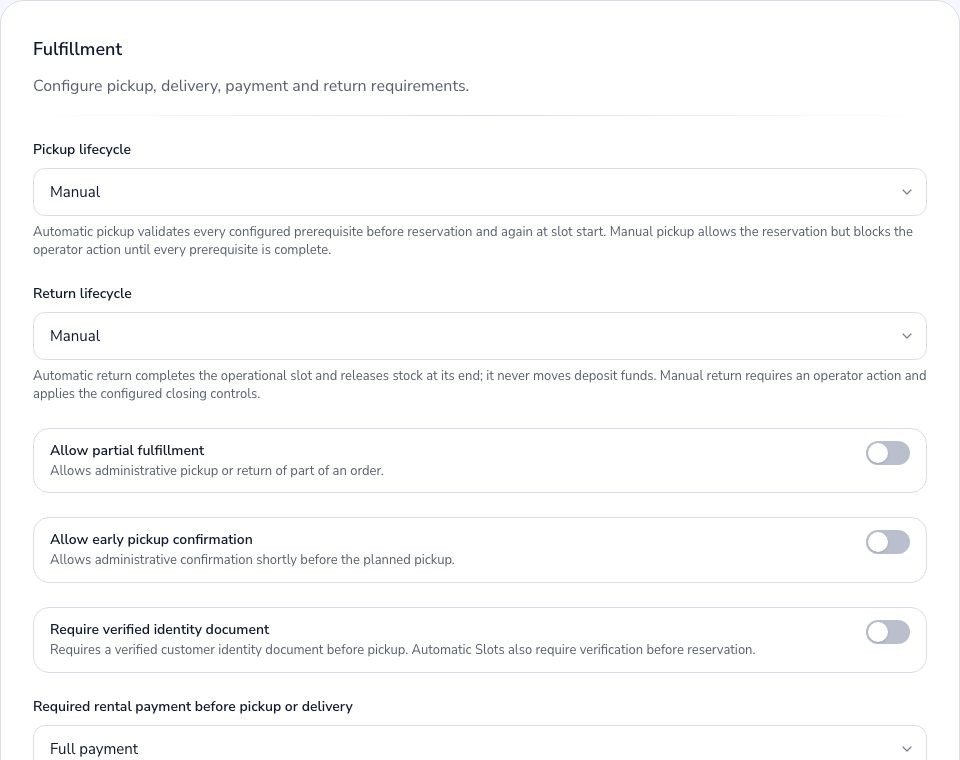
- The customer details: ID, phone number and, if needed, the delivery address.
- The payment: if your rule is to charge before handover, the order should arrive paid, or you should know what is left.
- The contract: ready to sign, with its details already filled in.
Make it part of the flow, not extra effort
A pre-check works when it is part of the order and does not rely on memory: on a busy day, whatever is not in the flow gets skipped.
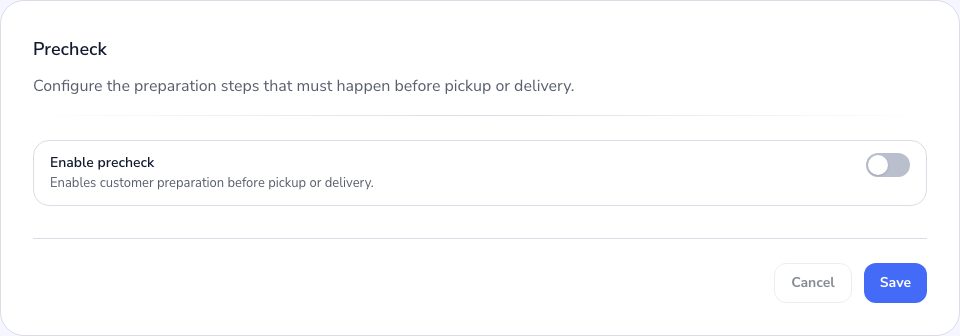
Ask the customer for what they can do beforehand
Customers can fill in many details themselves from home: their ID, their size, their address. The more that arrives sorted, the shorter the line at the counter on Saturday morning.