Set up your company: the initial setup step by step
The 20 steps of the initial setup and the start-up of each activity, with a video that walks through them from start to finish.
Updated Oct 21, 2026 · 4 min read
The first time you open the panel, AloManager takes you to the initial setup: five blocks with the details your company needs to invoice, open its store and take orders. You can leave and come back whenever you like; progress is saved at every step.
1. Your company
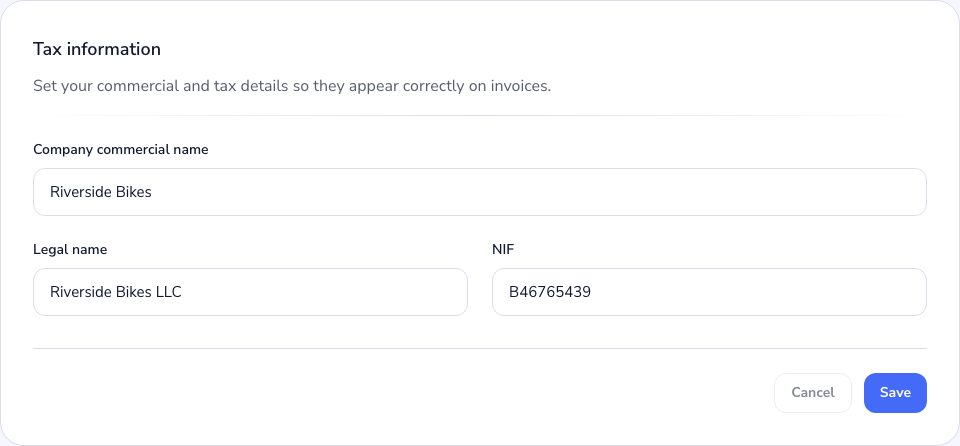
- 1Tax detailsThe trade name, legal name and tax ID that appear on your invoices.
- 2Billing addressThe company's address, province, city and postal code.
- 3Date and timeThe date format, the first day of the week and whether you use AM/PM. The time zone is chosen for each location.
- 4What you call your locationsThe singular and plural name: store, branch, warehouse…
2. Taxes, prices and payments
- 1TaxesYour country's taxes and whether the prices you enter already include them.
- 2Prices and currencyWhether you work with prices, in which currency and, if you buy or sell in another one, which you enable.
- 3Payment methodsThe payment methods you offer besides the platforms: Bizum, bank transfer, cash…
3. Locations
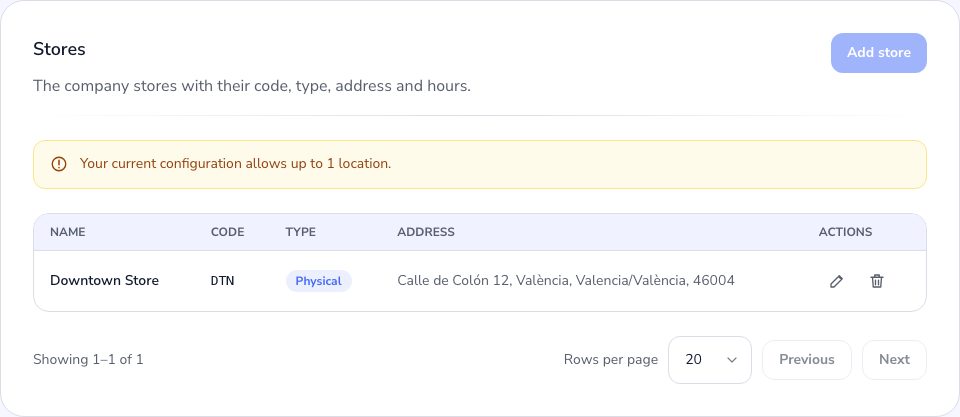
- 1Your locationCreate your first store with its name, a three-character code, its address and its time zone.
- 2Schedules and closed daysThe days and hours each store is open.
4. Documents
Invoices (and how an order that mixes rental and sale is invoiced), the documents that go with each order, pro forma invoices, the rental contract and packing lists. For each one you choose the numbering prefix, the footer and the page size.
5. Orders
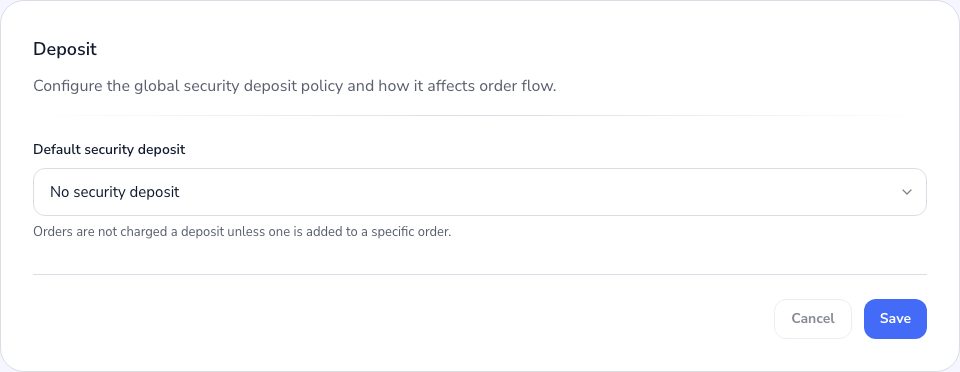
The rules of your orders: when they are picked up and returned, how far ahead customers can book, the security deposit, the pre-check, what is needed to hand over and return, and cancellation. At the end of this block you press Finish setup.
Start up each activity
If your company has more than one activity, each one takes orders once its own steps are done. The last screen shows the ones still to do and how many steps each has:
| Activity | What it asks for |
|---|---|
| Bookings | The person who gives your services, where they work and at what hours. |
| Sales | Whether a sale can start as a quote, which documents it issues and whether payment comes before handover. |
| Services | Whether a service is paid before it is completed. |
| Subscriptions | How they renew and whether they can be paused. |
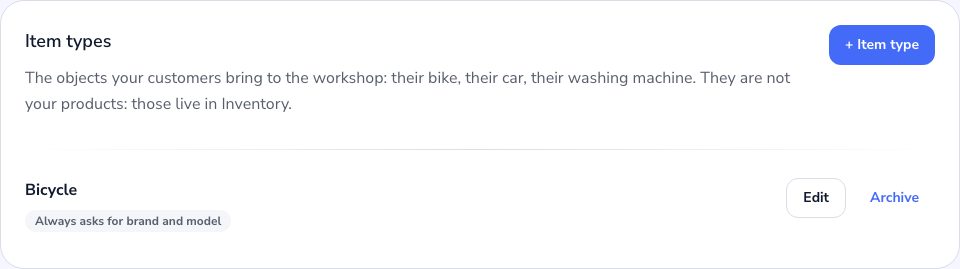
| Workshop | The item types you receive, the workshop rules and the work order. |
Was this article helpful?